


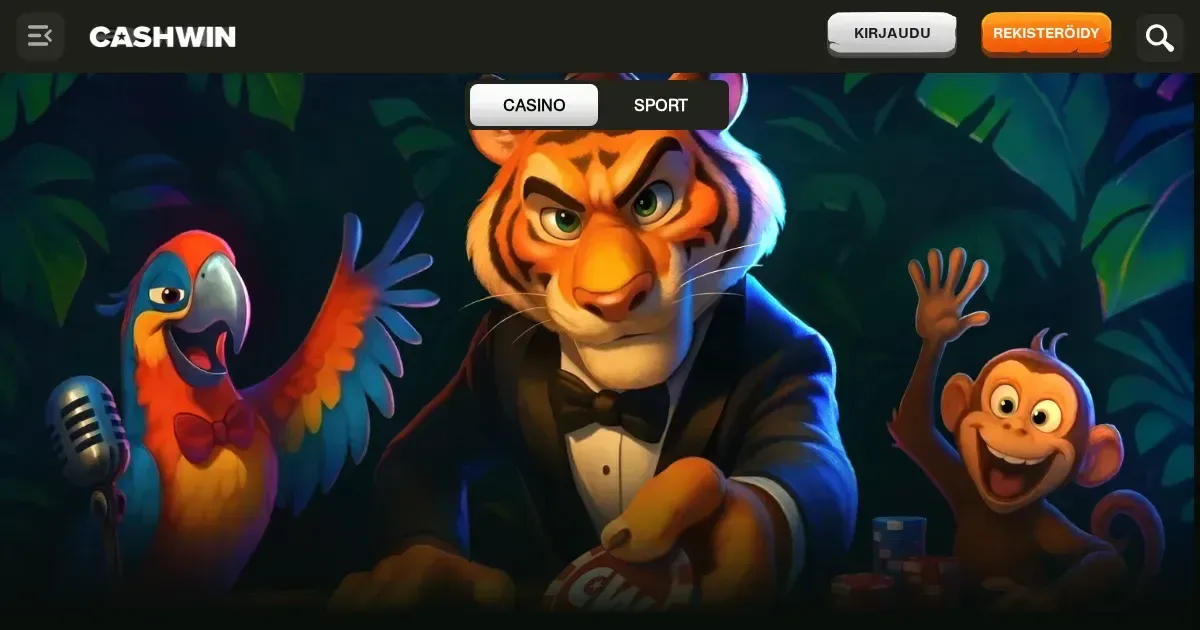
Reaching your account
Your Cashwin account lives at the operator's own platform, and only the operator can restore, verify or unblock it. This page explains how signing in works and what to do when it doesn't.
To sign in to your Cashwin account, follow these steps:
- Open the operator's site in your browser.
- Locate and click the sign-in button.
- Enter the email address you used at registration.
- Enter your password.
- Click to confirm and access your account.
No account yet? Registration happens directly at the operator's platform too.
The sign-in route on desktop and phone
Cashwin runs in your browser, so signing in from a phone works exactly the same way as it does on a desktop or laptop. Open the operator's site in Safari, Chrome or any mobile browser, tap the sign-in button, and enter the same email and password you use everywhere else. The account is the same across devices – no separate mobile registration, no second password.
Your session stays active as long as you keep the browser tab open. Close the tab or clear your browser data, and you'll be asked to sign in again next time.
Common failure causes
When signing in fails, one of these is usually why:
- Wrong email or password. Check for typos, extra spaces, or caps lock left on. Passwords are case-sensitive.
- Account not yet verified. Some operators ask you to confirm your email address before you can sign in for the first time. Check your inbox for a verification link.
- Browser session expired. Clear your cookies and cached data, then try again.
- Self-exclusion in force. If you've requested a break or a permanent exclusion, the account will stay closed for the agreed period. Contact the operator's support team if you need confirmation of the timeline.
- Account under review. The operator may temporarily restrict access while checking documents or investigating a query. You'll receive an email if this applies to you.
If none of these fit, get in touch with the operator's support – they can see what's blocking access.
Password recovery through the operator
Forgotten your password? The operator sends a reset link to the email address you used at registration. Look for a "Forgot password?" or "Reset password" link near the sign-in box, click it, and enter your email. The link arrives within a few minutes – check your spam folder if it doesn't appear.
No longer have access to that email address? Contact Cashwin's support team directly at [email protected]. You'll need to verify your identity before they can update the address on file – have your registration details ready.
Verification holds
Customer Due Diligence is requested when a player reaches the triggers required by international AML regulation. Until the operator has reviewed the documents you submit, your account may be temporarily restricted. This isn't a block – it's a standard compliance check, and it lifts once the review is complete.
Accounts can also be restricted after a period of inactivity, or when the operator needs to confirm details you provided at registration. You'll receive an email if any action is needed from your side.
Where support is
For any login problem, account block or verification query, contact Cashwin's support team directly. They're available 24/7 through live chat and email at [email protected]. Before you write, have this information ready:
- The email address you used to register
- When the problem started
- The exact message you see on screen, if any
The operator's team can see your account history and status – we can't. Any request to restore, unblock or verify an account must go to them.
Keeping access safe
Sign in only at the operator's own address, typed into your browser or opened from a bookmark. Never follow a link in an email or a message claiming to be from Cashwin – phishing attempts often look convincing. Use a password you don't use anywhere else, and sign out when you're done if you're on a shared or public device.
If you suspect someone else has accessed your account, change your password immediately and contact support.
Cashwin is available to players aged 18 and over (18+). If gambling ever stops feeling like entertainment, free and confidential support is available at BeGambleAware.org, or call the National Gambling Helpline on 0808 8020 133 (free, 24/7). You can also register for GamStop, a free national self-exclusion scheme across licensed sites in the UK.
This page is for information and marketing purposes only. We are not a casino operator, a bookmaker or an organiser of gambling. Access to this content is restricted to persons aged 18 and over (18+). We encourage you to gamble responsibly – for free, confidential support visit BeGambleAware.org.